System Architecture
How InsureAI is Built
A full-stack AI insurance demo exploring what a modern, zero-agent carrier could look like. Claude handles every claim decision end-to-end — no human adjusters, no underwriters, no database.
Tech Stack
Frontend
Backend API
AI Layer
Data & Privacy
Claim Processing Flow
What happens from page load to AI decision.
Demo Page Loads
Browser fetches the hardcoded demo policy (demo-auto-policy) from GET /api/policies/demo-auto-policy. Preset example claims load from GET /api/claims/demo-auto-claims.
User Adjusts Policy Variables
Coverage limit, policy age, and deductible sliders let the user dial in scenario conditions. These are sent with the claim — not saved anywhere.
Claim Submitted
Claim type, incident date, estimated loss, and description POST to /api/claims. Pydantic validates the payload — description must be 50–500 characters.
Claude Analyzes the Claim
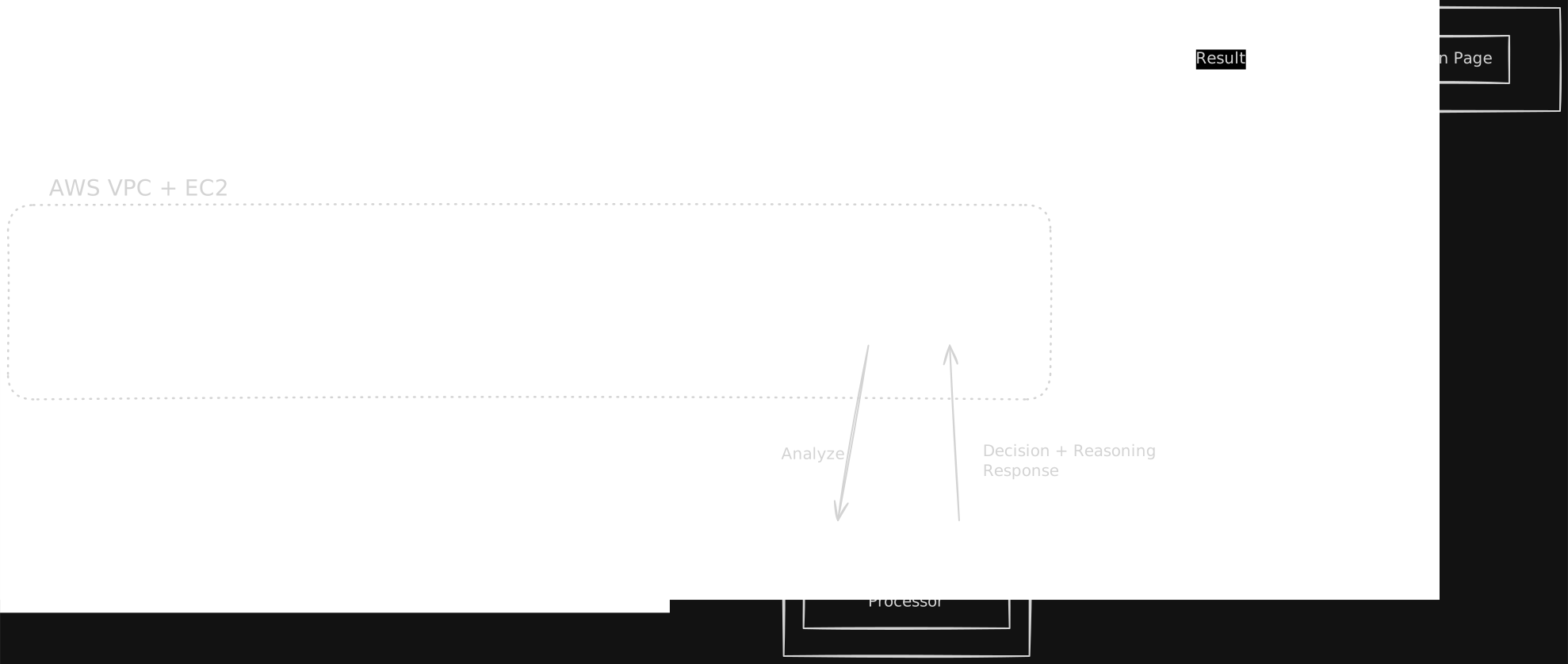
ai_service.py builds a structured prompt with all policy and claim context, then calls Claude Sonnet 4.6. Claude returns a strict JSON object with decision, fraud_score, fraud_flags, reasoning, and payout.
Result Returned & Cached
The API returns the result immediately — nothing is stored server-side. The frontend saves the claim to localStorage, then navigates to /claims/[id] to render the decision.
Result Rendered
The claim result page reads the preset claims from the API, or falls back to localStorage for user-submitted claims. Fraud score bar, AI reasoning, flags, and payout are all displayed.
Key Design Decisions
No database
Removing the DB eliminated SQLAlchemy, migrations, connection pooling, and seeding logic. The demo runs with a single Python file (store.py) as the data layer. Trivially deployable anywhere.
Structured AI output
Claude is instructed to return only valid JSON. A strict schema (decision, fraud_score, flags, reasoning, payout) makes the output deterministic and directly usable — no parsing, no post-processing.
localStorage for user claims
User-submitted claims are cached in the browser, not on the server. 100 visitors each see only their own claims. No shared state, no leakage, no privacy concerns — and no backend storage cost.